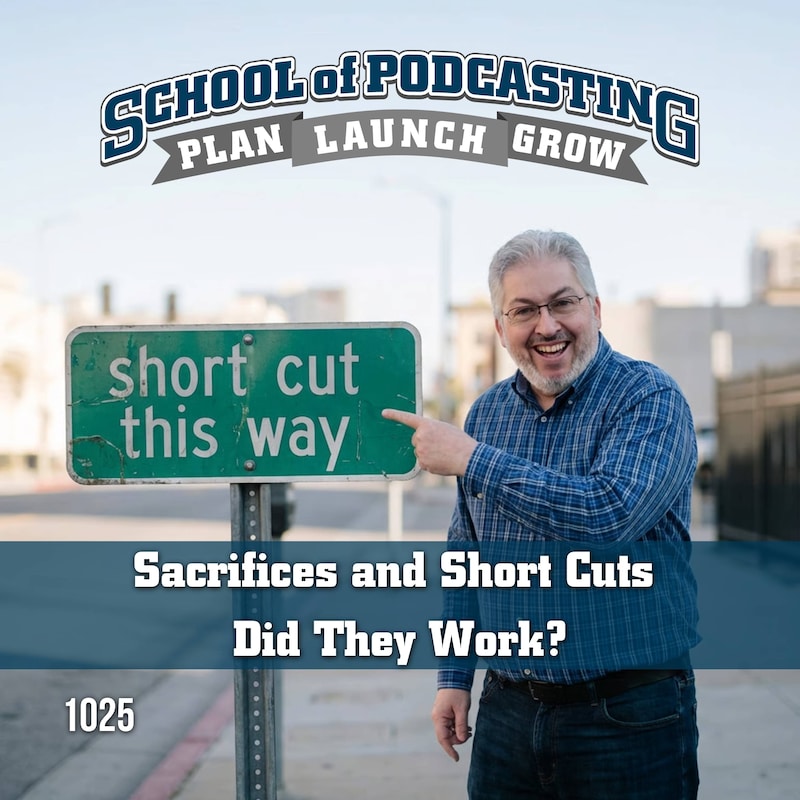
In this episode, I tackled the question submitted by Emily Kate: What sacrifices and shortcuts did you take in your podcasting journey, and did they work out well? A fantastic lineup of podcasters shared their wisdom, experiences, and favorite tools. Here’s an organized list of all the contributors with their URLs, plus every resource/tool we mentioned to help you on your own podcasting path.
Contributors & Their URLs
- Emily Kate :
emilykatecreative.com
- Kim Newlove ("The Pharmacist’s Voice" & "Perrysburg Podcast")
thepharmacistsvoice.com
perrysburgpodcast.com
- Ralph ("Ask Ralph Media Network")
askralph.com
Includes shows: Financially Confident Christian, Grit and Growth Business, Truth Unveiled with Ralph, Content Creators Accountant
- Todd the Gator ("Guardian Down Roundtable")
guardiandowncast.com
- Krista Lawley & Mark ("Practical Prepping Podcast")
practicalprepping.info
Resources & URLs Mentioned
- Otter.ai – Transcription tool
- Bitly – Link shortener/tracker/QR Code Creator
- Switchy – Link shortener/tracker/QR code creator (one time payment)
- Steve Stewart’s Podcast Editor Finder Form
- Podcast Editors Academy
- Auphonic – Audio processing & AI audio editing
- Audacity – Audio editing software
- OBS (Open Broadcaster Software)
- Descript – Audio editing & AI tool
- Resound.fm – De-um tool & audio editing
- AppSumo – Deals platform (referenced for AI tools)
- Castmagic – AI show notes & content creation
- Podpage – Podcast website builder
- Music Radio Creative – Jingles, music, and audio branding
- Suno – AI-generated jingles/music
- Ecamm Live – Live streaming & recording software (Mac only)
- Alec Johnson / One Take Productions Ecamm Live Masterclass
- Magi – AI aggregation tool
- Voice Regen - AI Audio Clean Up Tool
- The Audacity to Podcast
- The Podcasters Roundtable
- Podcasters Studio
Mentioned in this episode:
See Your Show On Podpage
If you host a podcast, your website should work as hard as your episodes do.
At Podpage, we automatically create a beautiful, professional site for your show — complete with episode pages, transcripts, audio players, SEO optimization, and built-in tools to grow your audience.
No design work. No plugins. No ongoing maintenance.
In less than a minute, you can see exactly what your podcast would look like on Podpage.
Go to podpage.com/preview and generate your free preview site now. (No Credit Card Required)
See your show the way it should look.
Podpage
Podcast Hot Seat - Now Private Podcast Audits
There are things your podcast is missing that often lead to you losing the audience you are attracting. I help make good podcasts GREAT. End the frustration with your podcast growth. Check out the Podcast Hot Seat Service Today.
Podcast Hotseat
Get Your Podcast Up and Going in Six Weeks
Dreaming of starting your own podcast but not sure where to begin? Podcasting in Six Weeks gives you a clear, step-by-step path to go from idea to launch with confidence.
This practical course is designed to help you create, record, edit, publish, and promote your podcast in just six weeks. Whether you're starting from scratch or feeling overwhelmed by the technical side, you'll get the guidance, structure, and tools you need to launch a podcast that sounds professional and reaches the right audience.
Ready to stop overthinking and start podcasting? Join Podcasting in Six Weeks today and turn your voice, ideas, and expertise into a show people want to hear.
The best part? It's only $1
Classes Start June 3rd
Podcasting in Six Weeks
Question of the Month: Favorite Remote Recording Tool
So many podcasters us tools to do remote recording (guests, etc). It seems like people often go through a few before finding one they like. What is your current remote recording tool, and what tools have you used in the past (and why did you leave)? Also be sure to tell us a little bit about your podcast, and your website address so we can link to it in the show notes.
Question of the Month